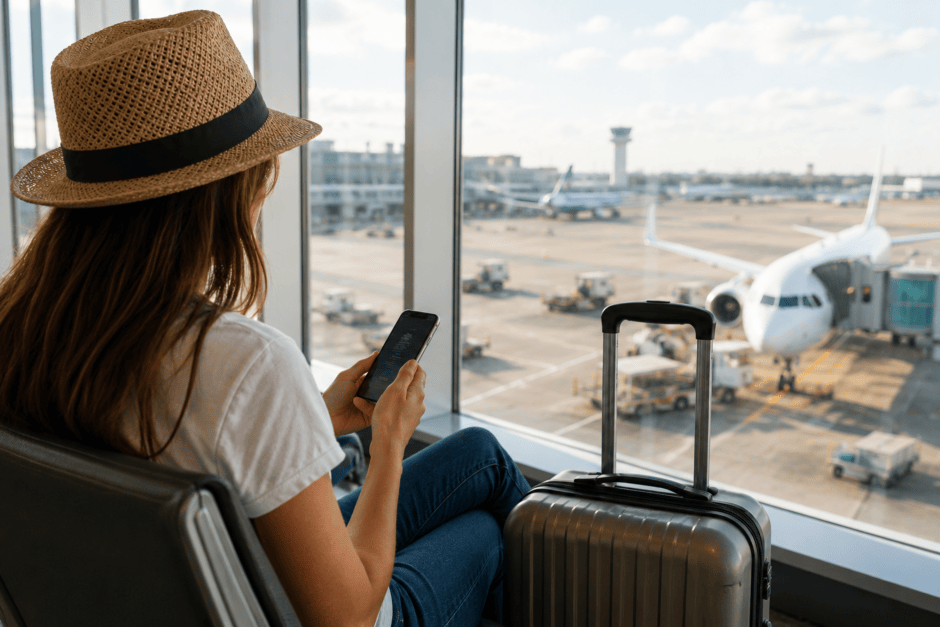
After checking into a hotel or landing at an airport, most of us do the same thing – usually within minutes. We open the settings menu on our mobile devices, tap the first network that looks about right, and then proceed to check connecting flight times or message friends and family. Few of us stop to actually think about the safety of the network we’re using… or who else might be watching us through it.
A survey published by an international eSIM provider in October 2025 found that 71% of British travellers use public Wi-Fi while abroad, which was the highest figure among all the countries it surveyed ahead of Canada, Australia, France and the United States. Free hotspots are convenient – and many Brits reach for them without a second thought as soon as the plane lands.
Not every login carries the same level of security risk, though. Checking a weather app is one thing; checking a bank balance is quite another, as this can expose very sensitive personal information to those using the network for criminal means.
How an Unsecured Network Actually Exposes Your Data
Most hotel and airport Wi-Fi networks are open, which means that anyone nearby can join without a password.
Alternatively, the password may be printed on a card that sits on the reception desk, which then gets shared with every guest that week. Since data travelling over a network isn’t always encrypted, anyone with basic, freely-available software can potentially access it.
An even more dangerous risk comes from fake networks that are set up to look genuine. Someone sets up a hotspot named “Airport_Free_WiFi” or “Hotel_Guest”; something close enough to the real thing that most guests connect without checking.
Once connected, everything that is typed – usernames and passwords included – passes through the criminal’s device first. The same trick works on the login page hotels use to get guests online. A copied version of that page can collect a name, room number and email address without anyone being any the wiser.

Accounts You Should Think Twice About Logging Into
A handful of account types deserve particular caution on a hotel or airport connection, since a leaked password there tends to matter far more.
- Banking apps and websites. These give direct access to funds, transfers and saved payment details.
- Accounts tied to stored card details or identity documents. A good example is a personal account with a licensed UK online casino, found through an expert resource such as https://legalbet.uk/new-casino-sites/, since these platforms carry a combination of payment and personal information.
- Primary email accounts, particularly the ‘master’ account used to reset passwords.
- Cloud storage or photo backups containing passport scans, boarding passes or personal documents.
- Work accounts, especially anything connected to a company’s internal systems or client data.
What You Can Browse Without Much Concern
Plenty of everyday browsing carries very little risk, even on a network you wouldn’t trust with a password.
- General web browsing, news sites and blogs
- Maps and navigation apps
- Restaurant, attraction and review listings
- Weather forecasts and flight status pages
- Anything that doesn’t ask for a login or personal details
Judging a Connection at a Glance
Weighing up a connection doesn’t need to be complicated. The type of network, and what you’re about to use it for, are usually enough to decide whether to carry on or wait until you can access a secure, private network.
| Connection type | Typical risk level | Reasonable use |
| Open hotel or airport Wi-Fi (no password) | High | Browsing, maps, checking flight status |
| Password-protected hotel Wi-Fi | Medium | Browsing, email on a non-critical account |
| Airport paid or lounge Wi-Fi | Medium | Similar to password-protected hotel Wi-Fi |
| Mobile data or a personal hotspot | Low | Banking, payments, any sensitive login |
Getting Online Safely When You Need to Log Into Something Sensitive
Mobile data is the most straightforward option when checking a banking app or a similarly sensitive account while travelling.
Most UK phone contracts now include reasonable data allowances when abroad, and a short banking session uses very little of it. Turning a phone into a personal hotspot for a laptop works the same way and avoids the hotel or airport network entirely.
Where mobile data genuinely isn’t an option, a few habits reduce the security risk considerably. Confirm the exact network name with hotel or airport staff, rather than picking whichever option looks familiar, since a fake network is designed to look convincing.
Turn off the setting that lets a phone connect automatically to previously used networks, so it doesn’t rejoin an unverified hotspot without asking. Keep two-factor authentication switched on for anything important, so a stolen password alone isn’t enough to get into an account.
And if a sensitive login really can’t wait, keep the session short, avoid saving new payment details while connected and change that password back once on a trusted connection.
What to Do if Your Details Have Already Been Compromised
Acting quickly is the key. Change the affected password straight away; albeit using mobile data or a trusted connection, rather than the network where the original problem occurred. Most banking apps and major email providers also allow sessions to be logged out remotely from every device, which is worth doing immediately if unusual activity appears.
Check recent bank and card statements for anything unfamiliar, and call the card provider directly if something doesn’t add up. UK residents can report the incident to Action Fraud, the national reporting centre for fraud and cybercrime, which also passes patterns on to the police where relevant.
And watch for follow-up phishing messages referencing the stolen details in the days after, since criminals often use one breach to attempt a second, even more convincing one.
Public Wi-Fi at hotels and airports doesn’t need to be avoided altogether. Local data plans through an eSIM, which can now be bought and activated from a phone within minutes – rather than requiring a physical SIM swap – have made mobile data a realistic default for most travellers, rather than a costly fall-back option.
Using hotel and airport Wi-Fi for light browsing is fine, but should be considered off-limits for anything sensitive. This approach may just stop your next trip from becoming a disaster.
Discover more from Travel Vixta
Subscribe to get the latest posts sent to your email.